Vibe Coding vs AI-Assisted Development — and Why You Still Need a Senior
Vibe coding made shipping easier, but what someone without systems knowledge ships isn't what a senior steering the AI ships. Three levels.

In recent months I’ve heard the same sentence from many different mouths: “You don’t need a developer anymore — I built it myself.” It’s usually followed by a screenshot: a working interface, a deployed site, sometimes even the first users. At first glance there’s nothing to argue with. If something genuinely works, it works.
But I’ve spent seventeen years watching the gap between “it works” and “it works correctly,” and that gap doesn’t show up in a demo. It shows up under the first real load, with the first real attacker, on the first schema change. This isn’t a post against vibe coding — I have no objection to hobbies, experiments, or learning. This post is about whose hands it’s in. Because the same AI agent produces three different things in three different people’s hands.
What vibe coding genuinely made easier
Let me give it its due: vibe coding really did lower the cost of producing a first version. The path from idea to a working prototype has never been shorter. Describing a form, a REST endpoint, a CRUD screen and standing it up in minutes is now routine. That’s nothing to scoff at; ten years ago it was a week’s work.
The cost it lowered is production. The cost it didn’t lower is the cost of being wrong — and that’s where the real issue begins.
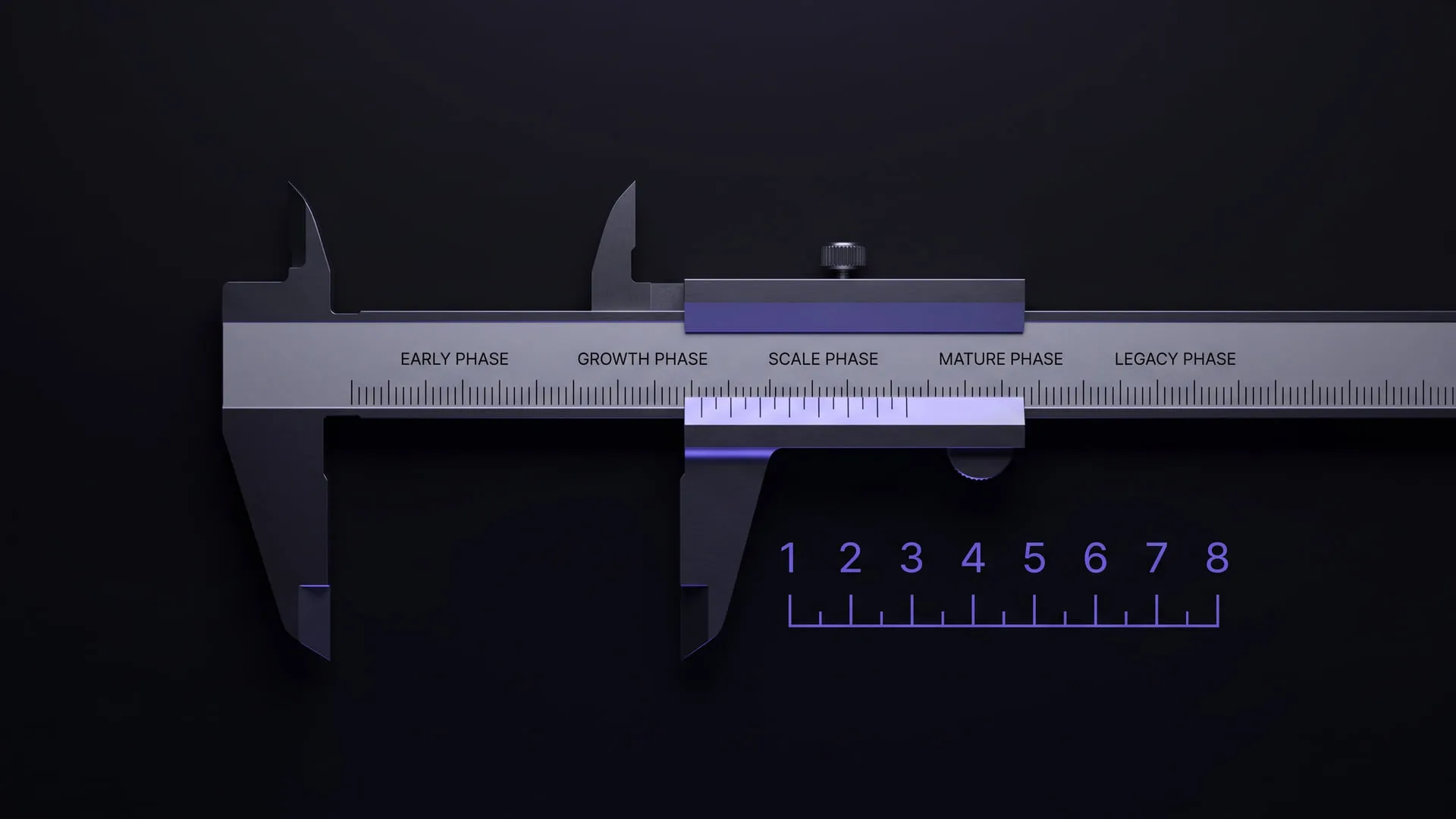
Three levels, three different outcomes
What determines the result a given tool produces isn’t typing speed; it’s the quality of the question asked and the review performed. Let’s separate three typical levels.
1. Someone who knows little or no software — pure vibe coding
The loop here is: describe it, run the generated code, keep going if it works. The problem is that this loop has no eye to see what’s missing. The generated code can be wrong in a confident tone; reading it and testing its edge cases takes accumulated experience, and that experience isn’t there yet.
What comes out in practice is always from the same family: an endpoint that exposes someone else’s data, a migration that blows up on a populated table, a password landing in a log, a query that collapses once it grows. None of it shows up in the demo. All of it shows up in production — usually at night. I cover the architectural side of why these bug classes hide inside the “standard solution” in a companion post on sade.dev.
Because the tool is most dangerous where it looks safest: as I’ve written before, it writes the common patterns solidly, but it produces a “standard” solution without seeing the problem’s unique dimension — and a standard solution leaves you alone with the answer to a problem you didn’t ask.
2. Someone with low-to-mid software knowledge + an AI agent
At this level the picture improves noticeably. They can frame some questions correctly, read part of the generated code critically, catch an obvious bug. Individual features generally come out fine.
The ceiling arrives at the boundaries of the system. Where does this part break under load, what happens when it does, is this the right abstraction, what change will this data model tolerate six months from now — these aren’t answered by looking at a single file. The result is usually this: well-written features, a fragile system. The pieces are solid, but the debt accumulating in the gaps between them is invisible.
3. Someone with strong software and systems-architecture knowledge + an AI agent
Here the agent becomes a multiplier, not a substitute. It doesn’t take a senior’s place; it extends them. The difference isn’t in who wrote the code — it’s in who steered it.
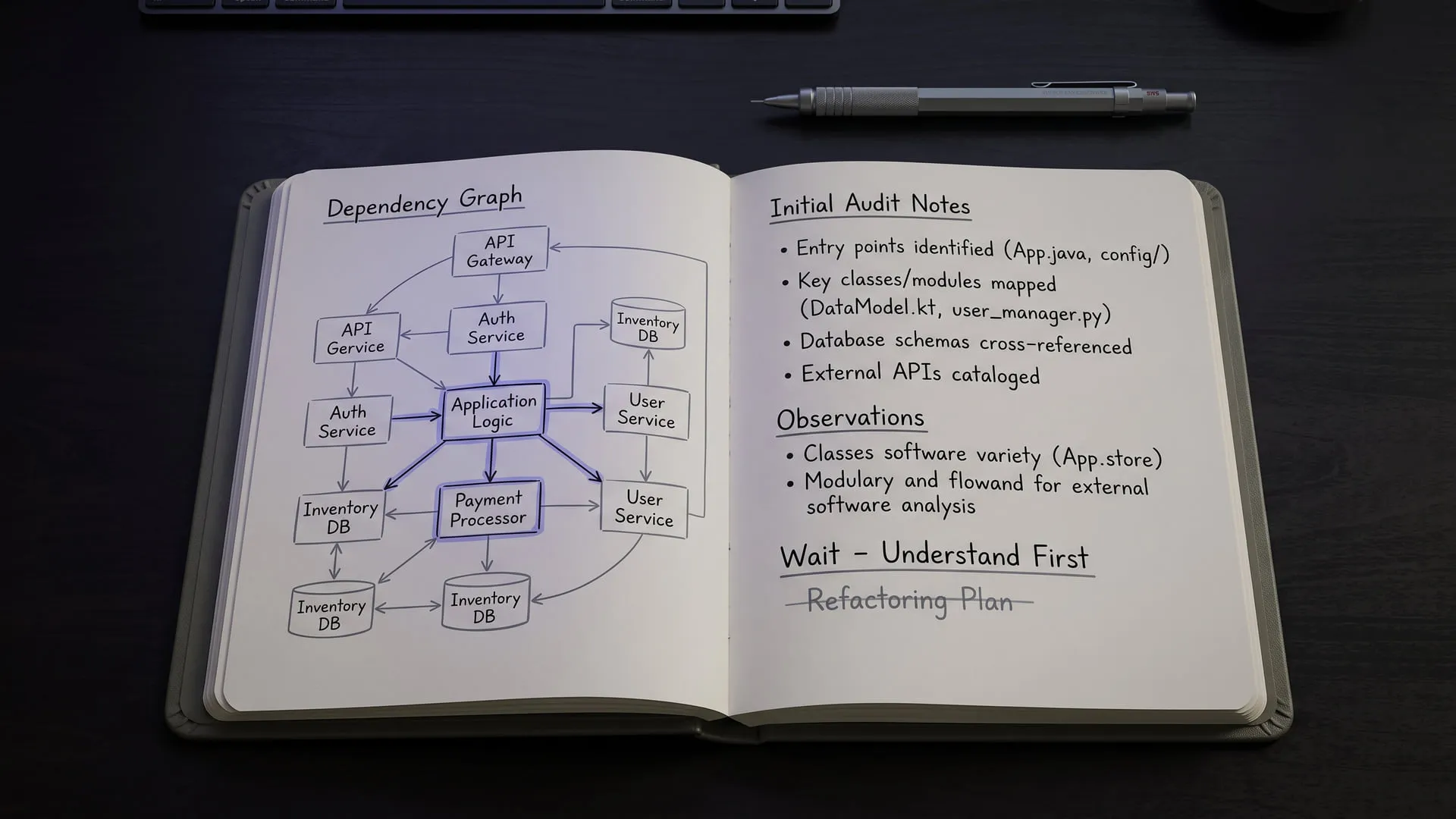
In my own workflow this looks concrete: I have the agent draft a plan first, I read and correct the plan, then I have it write step by step; I review the output like a junior’s code; I don’t merge a single line that reaches production until I’m sure I could defend it. I wrote the full version of that discipline as seven rules on sade.dev. The result: speed goes up but code quality doesn’t go down — because the reasoning still lives in a human.
At this level AI genuinely accelerates development, and substantially so. The claim isn’t “AI doesn’t work” — quite the opposite. The claim is: whether it works depends on the experience steering it.
Why “we’ll hire a developer to fix it once we make money” is absurd
This is the defense I hear most: let’s ship first, and if it takes off, we’ll have a developer fix it. It sounds reasonable, because you can fix most things later. But a few things sit too deep in the foundation to fix afterward: the data model, the security posture, the absence of tests. These aren’t “features to add later”; they’re the ground everything else stands on.
Fixing the wrong foundation later isn’t a repair — it’s a rebuild. And by the time you get there, you’re no longer carrying an empty table but real user data — you’re forced to do the riskiest migration at the most expensive moment. The product that makes money is also the product that ties your hands.
So a senior is cheaper up front, not afterward. Building the right data model from the start is an afternoon; fixing the wrong one on a live system is a quarter. Putting the experience at the front of the product is the cheapest insurance you can buy.
The goal: a real senior steering the AI
To wrap up. Building projects with AI agents is possible, even fast — this isn’t a post that denies that. Are you going to build a hobby project, experiment, learn? Go all the way. There, vibe coding is a brilliant accelerator.
But in a product where a real user, real data, real money are on the line, the equation changes. There you still need someone holding the wheel: a real senior who steers the AI, audits its output, fits the part into the whole. The tool got more powerful; it didn’t take over the responsibility.
AI made producing possible and cheap. Not making what you produce correct.
Comments
Sign in with your GitHub account to join the discussion. Comments are stored in GitHub Discussions.