Switching to Composer: Stop Managing PHP Dependencies by Hand
The practical side of moving from a pile of manual requires to modern dependency management: composer.json, autoloading, and installing packages.

Written 12 years ago — it reflects the conditions of that time.
Until a few months ago, starting a new project meant the same routine every time: download the zip files for whatever libraries I needed, drop them into a folder I’d call lib/ or vendor/, and manually write require lines at the top of each file. Then, when one of those libraries released an update, repeat the whole process. And when the dependencies of three different libraries conflicted with each other, I’d be left with no idea what to do.
To put an end to that chaos, I switched to Composer. I can honestly say it’s one of the best tool decisions I’ve ever made. I’m still learning it, but I have no desire to go back. Composer’s autoloader only really pays off alongside organizing code with namespaces in PHP: once your classes live in namespaces, you never go back to writing require lines at all.
What is Composer?
A dependency manager is a tool that tracks which external libraries a project relies on, installs them, and keeps them up to date. Composer does exactly that for the PHP ecosystem.
It was inspired by Bundler in Ruby and npm in Node.js. It arrived in the PHP world in 2012, and by 2014 it’s already considered standard practice on any serious project.
Installation is a single command:
curl -sS https://getcomposer.org/installer | php
mv composer.phar /usr/local/bin/composer
After that, the composer command is available from anywhere.
What is composer.json and what does it do?
The composer.json file you place in the root of your project defines the packages your project needs and their version constraints. It replaces the old heap of manually managed require statements.
A simple example:
{
    "require": {
        "monolog/monolog": "1.7.*",
        "guzzle/guzzle": "3.8.*"
    }
}
When you run composer install, Composer downloads these packages from Packagist and places them in the vendor/ directory. It also creates a composer.lock file that records the exact versions in use. When working in a team or deploying to a server, running composer install installs those same exact versions, preventing unexpected version mismatches.
To update a specific package:
composer update monolog/monologOr just composer update to update all dependencies at once.
Autoloading
Beyond package installation, the biggest win with Composer is autoloading. You no longer have to write require_once in every file.
You add an autoload section to composer.json and point it to your source directory:
{
    "require": {
        "monolog/monolog": "1.7.*"
    },
    "autoload": {
        "psr-4": {
            "App\\": "src/"
        }
    }
}
Then you run composer dump-autoload. From that point on, every class written under the App\ namespace inside src/ is found automatically. All you need in your application’s entry point is a single line:
<?php
require 'vendor/autoload.php';
One line, and every library plus your own classes are ready to use.
Adding a new package
Installing a package is now as simple as:
composer require guzzle/guzzle:~3.8Composer updates composer.json, downloads the package, and refreshes the autoload map. You don’t write anything by hand.
Development dependencies
Testing tools and development utilities shouldn’t be present in production. You can separate them with require-dev:
{
    "require": {
        "monolog/monolog": "1.7.*"
    },
    "require-dev": {
        "phpunit/phpunit": "4.0.*"
    }
}
On the production server, you can skip development tools by running composer install --no-dev.
composer.lock and version consistency
It’s important to commit composer.lock to version control. Without it, running composer install on two different machines — or between development and production — can pull in different minor versions. Minor library updates occasionally introduce unexpected behavior changes. Thanks to composer.lock, everyone on the team and the server itself are working with byte-for-byte identical versions. I like to think of it this way: composer.json represents intent, composer.lock represents reality.
Why did I put off making this switch?
Honestly, I spent a good while stuck in the “it works on my machine” mindset. Learning Composer takes a few hours of investment, but once you get used to it, you realize just how inefficient manual dependency management really is — especially when you’re juggling more than one project at a time.
There are tens of thousands of packages on Packagist, all reachable with a single command. From now on, whenever I need a library, I check Packagist first, then run composer require.
It might look like a small change, but it genuinely transformed the way I work.
Experiments on this topic
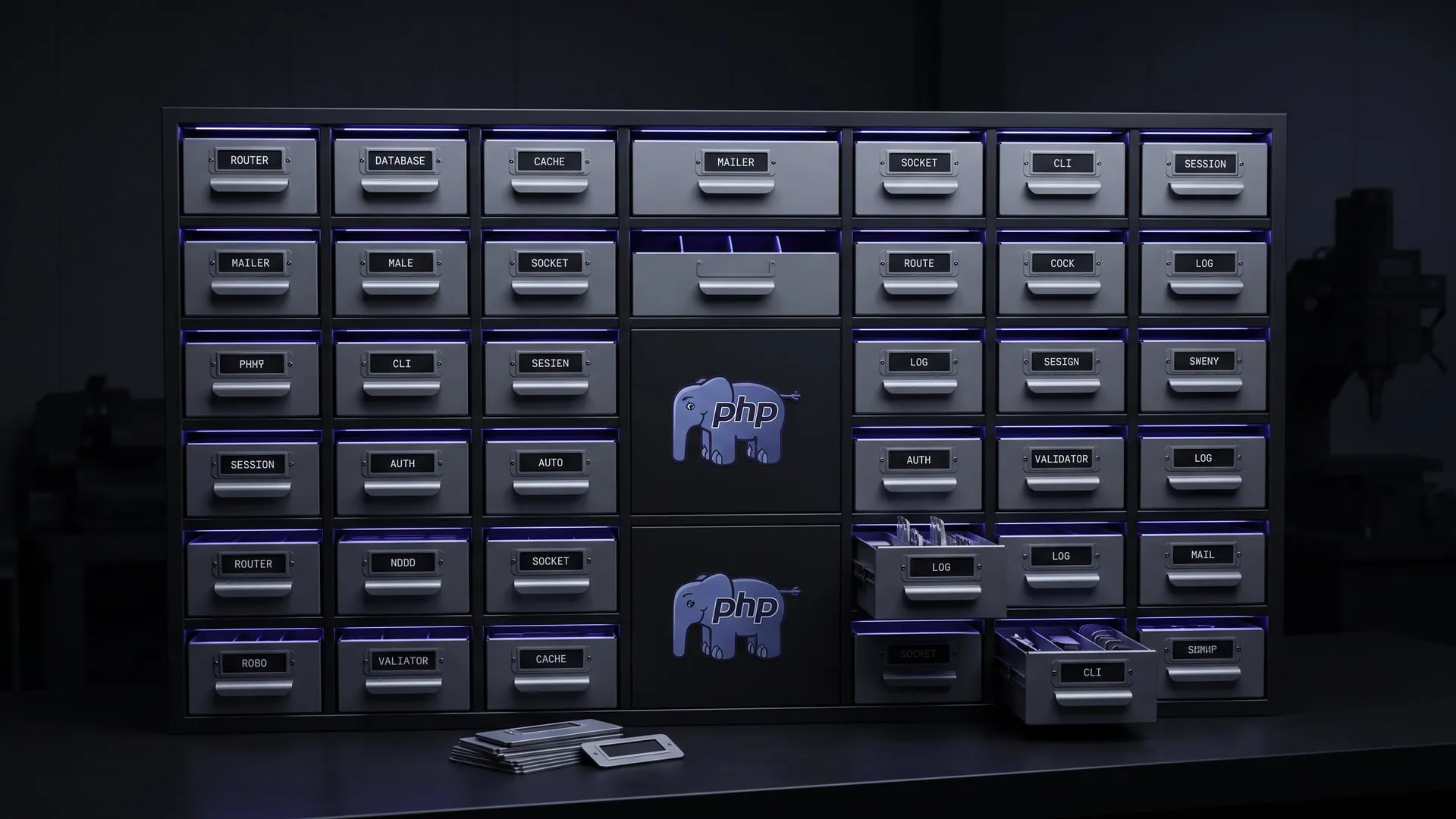
PHP packages that stand alone and still work together
Modular PHP libraries that work without being tied to a framework; they became the 39-package InitPHP ecosystem and Framework3.
What it does today
A family of 39 PHP packages — Router, Database, Cache, Mailer, Socket and the rest — each usable standalone or together, all shipped through Composer/Packagist under MIT. Any PHP developer who wants the pieces without buying into a framework can install them today.
Comments
Sign in with your GitHub account to join the discussion. Comments are stored in GitHub Discussions.