Production access sat with one person, and that person took a holiday
The only person with production database access went on holiday and diagnosis stopped. The need came down to four sentences; each became a design decision.

One person on the team had access to the production database. For a long time that did not look like a problem — until they went on holiday. Within a week we noticed something: bugs could not be diagnosed. Code could be read, tests ran, hypotheses were formed; none of it substituted for the question “what does this record actually look like in production”. Development did not stop, but diagnosis did — and once diagnosis stops, everything else slows with it.
This post is the story of how the four-sentence list of needs that week produced turned into four design decisions. The short answer: the fix is not to widen access but to put access behind a gate. A developer can look at production data without ever seeing the production password, as long as the statement itself is inspected, passes an approval, lands in a durable record and comes back masked. What built those four things is QueryProxy.
Why the obvious answers were wrong
There were two ready-made answers, and both were eliminated within the week.
“Let’s share the password with the team.” The cost is invisible on day one.
Once a password is out it cannot be collected back: nobody knows who holds it,
it has to be rotated whenever someone leaves, and — most importantly — there is
no answer left to the question of who ran what. When an UPDATE touches the
wrong rows, all you have is a guess.
“Let’s give everyone a read-only user.” Better, but not enough. A read-only user can still pull an entire table; there is no masking of personal data in that setup, and part of real diagnosis does not end with reading — sometimes a broken record has to be fixed. The moment that happens you are back to one person.
The shared flaw is this: both try to solve the problem along the axis of who. The real question is what — which statement is going to run.
First need: reaching the data without seeing the password
The first decision was where the credentials would live. Connection details sit encrypted inside the application and the password is never shown back in any interface, and the query runs on the portal rather than on the developer’s machine. What stays in the developer’s hands is the SQL they wrote.
The cost is real and was accepted up front: the query no longer runs instantly. In return the production password never reaches a human being. For an organisation that is the actual win — revoking access is now just deleting a user.
Second need: every statement passes a gate
The second decision is where we spent the most time: what should the gate look at?
The first instinct is pattern matching — warn on DELETE, refuse on DROP.
That path is defeated on day one. Wedging in a comment (DROP/**/DATABASE),
splitting the statement or hiding inside a subquery is enough. Regular
expressions look at text; SQL is not text, it is structure.
So the incoming query is parsed and what it is comes from its resolved structure. In practice that means:
- An
UPDATEorDELETEwithout aWHEREis refused. Anyone who genuinely means to update the whole table writesWHERE 1 = 1— and has now declared their intent. - An unbounded
SELECTcomes back with a default row limit, and a request above the ceiling is clamped to it. - Dropping databases, user and role management, and server-side file operations are blocked unconditionally — whatever the role.
- Comments and string literals are normalised, so the gate cannot be slipped by wedging a comment in.
One detail sums up the whole design: a limit expression the gate cannot understand is not clamped but refused. A bound you cannot read is a bound you cannot enforce; under ambiguity the correct behaviour is to stop, not to pass.
The gate is only half of it. The other half is approval: the request goes to a DBA and runs on a queue once approved. The hard rule here is that a DBA cannot approve their own request; a system admin can override that, and the override is written into the audit record as such. Approval can arrive from three channels — web, Slack, Teams — but all three land on the same service, because writing the rule per channel means the rule drifting per channel.
Third need: finding out later who ran what
The third need was a question about history: three months from now, when someone asks “who changed this record”, there has to be an answer.
The decision here was to make the audit record immutable, and in practice that comes down to three simple things: the log table has no updated-at column, updates and deletes raise at the model level, and the log rows carry no foreign-key constraint at all. That last one is the easiest to miss: if deleting a connection also deletes its history, the audit trail empties out at exactly the moment you need it.
An honest boundary: this is immutability at the application level. Someone with direct database access can still change the row. It is not a cryptographic chain but a door the application does not leak through — and it should be used knowing what it promises.
Fourth need: masking what matters
The last decision was about where masking sits, and it is the most instructive one.
The easy path is to store the result and mask it on display. In that design unmasked data reaches disk once, and everything afterwards is a matter of hope: it is there in the backup, in the downloaded file, in the log.
Instead the result stream is read row by row and each row is masked before it is written to the file. Not one unmasked cell enters the result store. The difference sounds small but it is categorical in security terms: in one design you have to keep asking “is there a way around the masking”, in the other there is nothing to get around.
The same discipline applies to the rules themselves. If masking rules accept regular expressions, a badly written one can lock up the worker; so a rule is stressed against a long probe string when it is saved. And if an expression cannot be evaluated at runtime the value is masked rather than left in the clear — falling to the closed side under ambiguity, exactly like the gate rule.
What it all costs
To be honest about it, this setup has a cost and there is nothing to hide there.
Queries are no longer instant; someone has to approve them, and that means friction during a midnight incident. The team operates one more service. And most importantly, if the approval queue turns into a ritual — a DBA approving without looking — the whole structure becomes theatre; at that point its only difference from sharing the password is that it grants a false sense of safety.
What you get in return is this: diagnosis no longer depends on one person’s calendar, nobody holds the production password, and the questions asked three months later still have answers. What a week of undiagnosable bugs taught me is that access management is not a permissions problem but a design problem.
The tool itself is open source and self-hosted; how it was built and why the decisions went the way they did is in the Labs entry, and the product details are in the portfolio.
Sources
Experiments on this topic
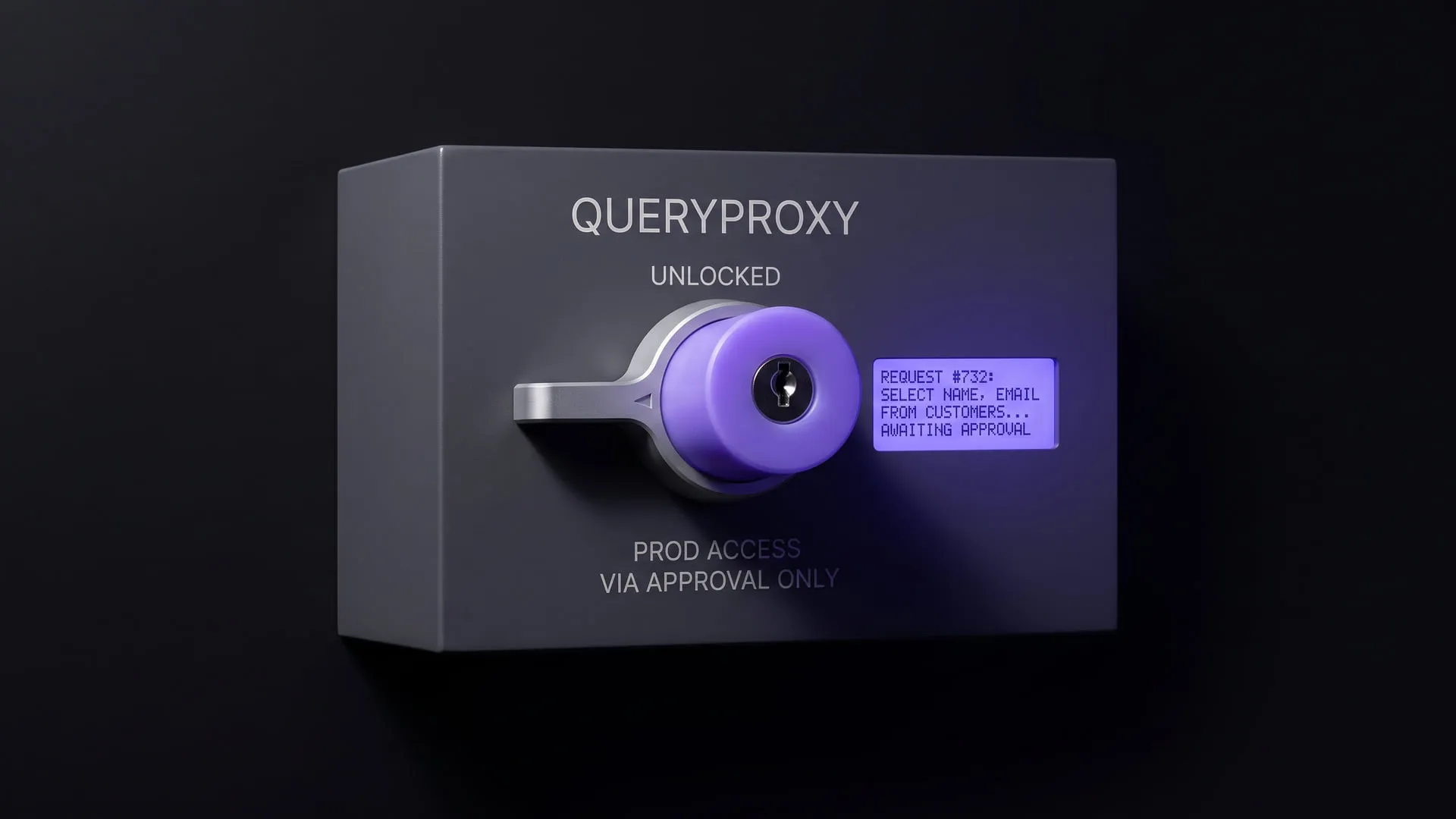
Reaching production data without handing out the password
A self-hosted portal that puts ad-hoc production SQL behind approval, masking and an immutable trail; it became the QueryProxy product.
What it does today
Runs a developer's SQL against production through an approval step rather than directly; results are masked as they are written to disk and every request lands in an immutable record. Teams where production access sits with one person can run it today.
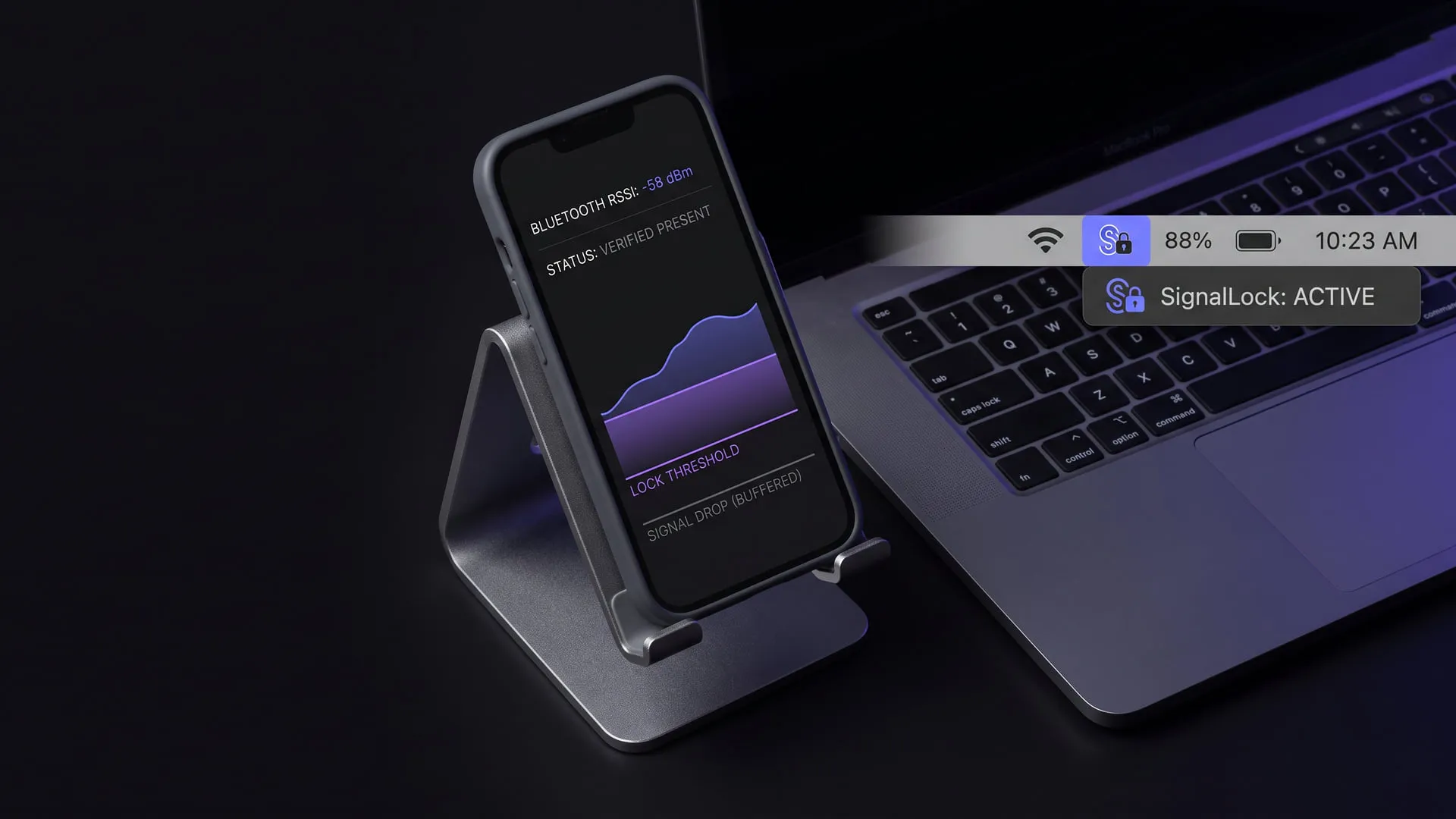
Screen lock by Bluetooth proximity: present/absent is not enough
A proximity lock that locks the machine when the device in your pocket walks away; it became the SignalLock menu bar app.
What it does today
Locks the macOS screen when the device you carry moves away; the call rests on a proximity assessment rather than a raw present/absent signal, so fluctuation no longer produces false locks. The menu-bar app is published and ready to install.
Comments
Sign in with your GitHub account to join the discussion. Comments are stored in GitHub Discussions.