Packaging and Distributing a CLI Tool Written in Go
Writing a Go CLI is half the work; versioning it, cross-compiling it and distributing it so others can install it effortlessly is the other half.

Years ago I wrote a small CLI tool to learn Go. Back then, all I cared about was getting the tool to work. This year, when I wanted my teammates to start using a similar tool, I had to focus on the part I had been glossing over: writing the tool is only half the job — making it something people can install without friction is the other half.
A single binary: Go’s quiet superpower
Go’s biggest advantage here is that go build produces a single executable. No runtime, no dependency directory. Anyone who copies that file can run the tool.
Coming from the PHP or Node world, it’s easy to underestimate how significant this really is. Sharing a tool used to mean hoping the other person had the right version installed. With Go, that question never comes up.
Cross-compilation
You can produce separate binaries for different operating systems with a single command:
GOOS=linux   GOARCH=amd64 go build -o dist/arac-linux-amd64 .
GOOS=darwin  GOARCH=arm64 go build -o dist/arac-darwin-arm64 .
GOOS=windows GOARCH=amd64 go build -o dist/arac-windows-amd64.exe .
No matter what my development machine is, I can produce the right binary for the user’s machine. I wrap this in a script and run it automatically on every release.
Embedding version information into the binary
A user should be able to ask “which version am I running?” I embed the version number at compile time using ldflags:
go build -ldflags "-X main.surum=1.4.0" -o arac .package main
var surum = "dev"
func main() {
// --version flag prints this value
}The default is dev; the real version number is passed in when building an official release. When a bug report comes in, I don’t have to guess which version the user is running.
Distribution and installation
I attach the binaries to a repository release for every new version. This reduces installation to three steps: download the right file, make it executable, and move it to a directory on your PATH. That can be collapsed into a single command with a short install script.
go install: the shortcut for developers
Binary distribution is the right path for users who don’t have Go installed. But if the people using the tool are themselves developers, there’s a shorter route: go install.
go install github.com/kullanici/arac@latestThis command compiles from source and drops the binary into the user’s PATH. One line, version-selectable, no separate download step. I distribute most of my internal team tools this way — everyone on the team already has Go installed.
In practice, I’m offering two separate distribution paths to two separate audiences: pre-built binaries for people who don’t know Go, and go install for developers. The secret to making a tool widely adopted is not forcing a single installation method on everyone — it’s offering each audience the path with the least friction for them. Drawing that distinction takes a few minutes; but it’s often the thing that determines whether the tool gets used at all.
One more note: whichever path you choose, keep the tool’s external dependencies minimal. Go’s standard library is surprisingly broad — for a small tool, you often don’t need even a single third-party package. Fewer dependencies means faster builds, smaller binaries, and a much higher chance the tool still compiles cleanly years from now.
The lesson I took away
What makes a tool actually usable is not the clever code inside it — it’s how easy it is to install. Over the years I’ve seen plenty of technically excellent tools that nobody touched simply because installation was a pain. The reason I reach for Go for this kind of work isn’t the syntax; it’s how effortlessly it lets me put something that just works into someone else’s hands. A tool only exists as far as it gets installed.
Questions on this topic
How do I distribute a Go CLI to multiple platforms with GoReleaser and Homebrew?
Let one tag-triggered workflow cross-compile and publish the GitHub Release while the homebrew_casks: block updates the tap; the tap needs its own PAT.
Experiments on this topic
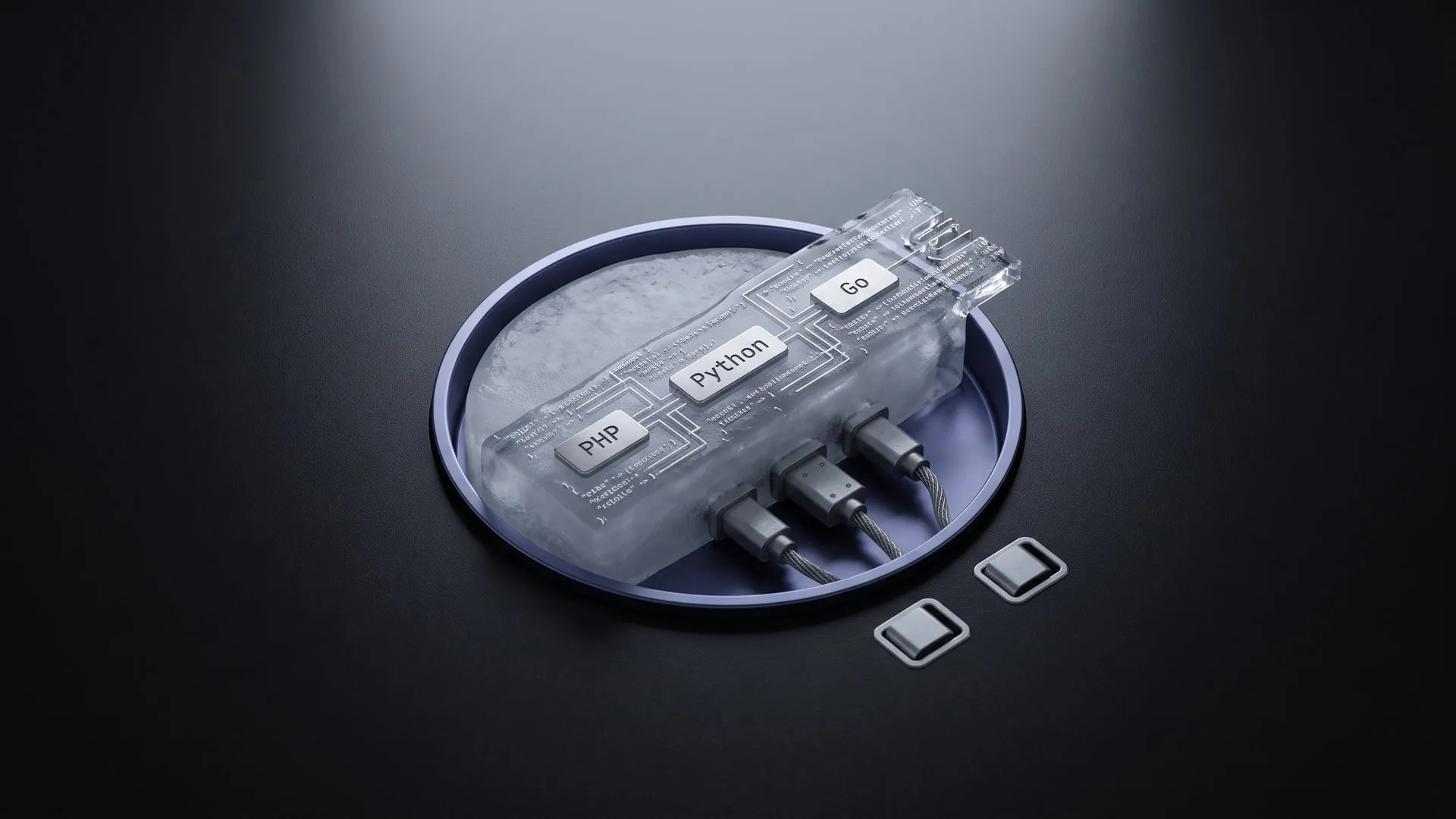
Two languages sharing one queue without the serialization lock-in
A frozen JSON envelope in place of language-specific serialization; it became BabelQueue, a polyglot queue standard.
What it does today
The frozen JSON envelope has four languages — PHP, Python, Go, Node.js — reading the same bytes, with no sidecar and no broker plugin. Teams running a polyglot queue can pick up the spec and the SDKs today.
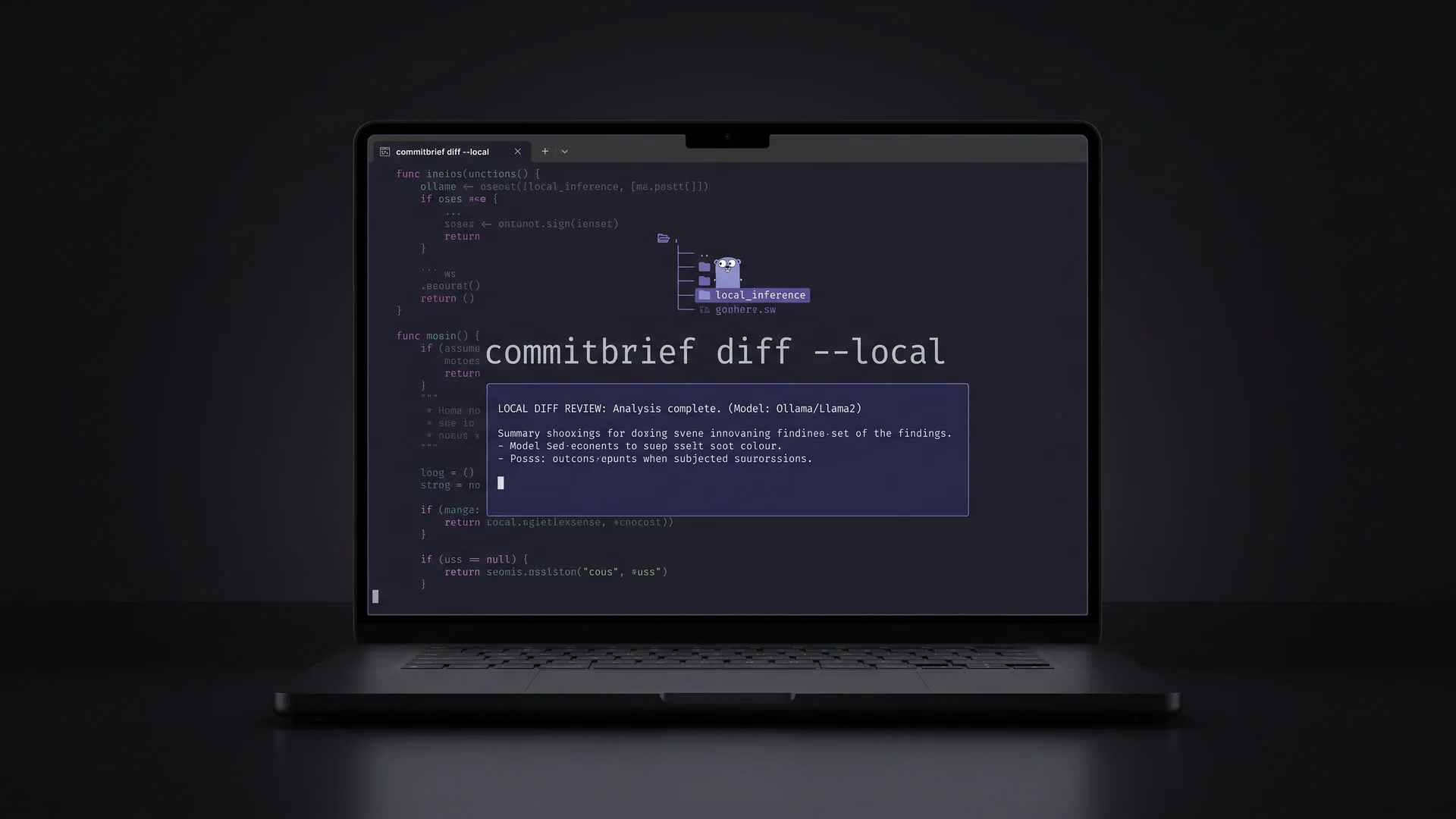
Local code review without letting the diff leave the machine
A provider-agnostic Go CLI that has a model review my diff without the diff leaving the machine; it became CommitBrief.
What it does today
Reviews code locally, with the diff never leaving the machine; the `Provider` interface lets Anthropic, OpenAI, Gemini and Ollama plug into one contract. Signed binaries are published — anyone who does not want to hand their diff to a cloud provider can install it.
Comments
Sign in with your GitHub account to join the discussion. Comments are stored in GitHub Discussions.