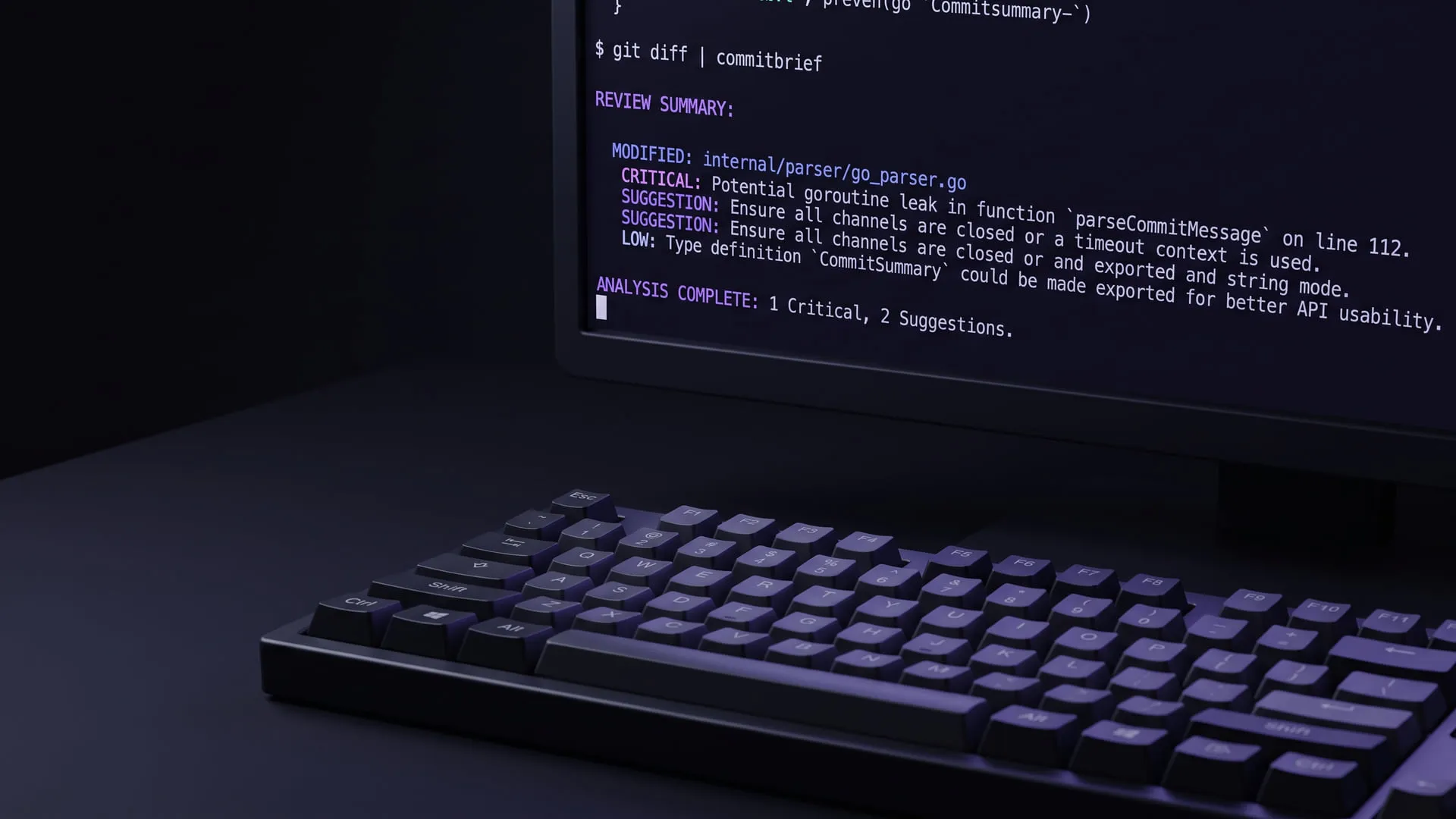
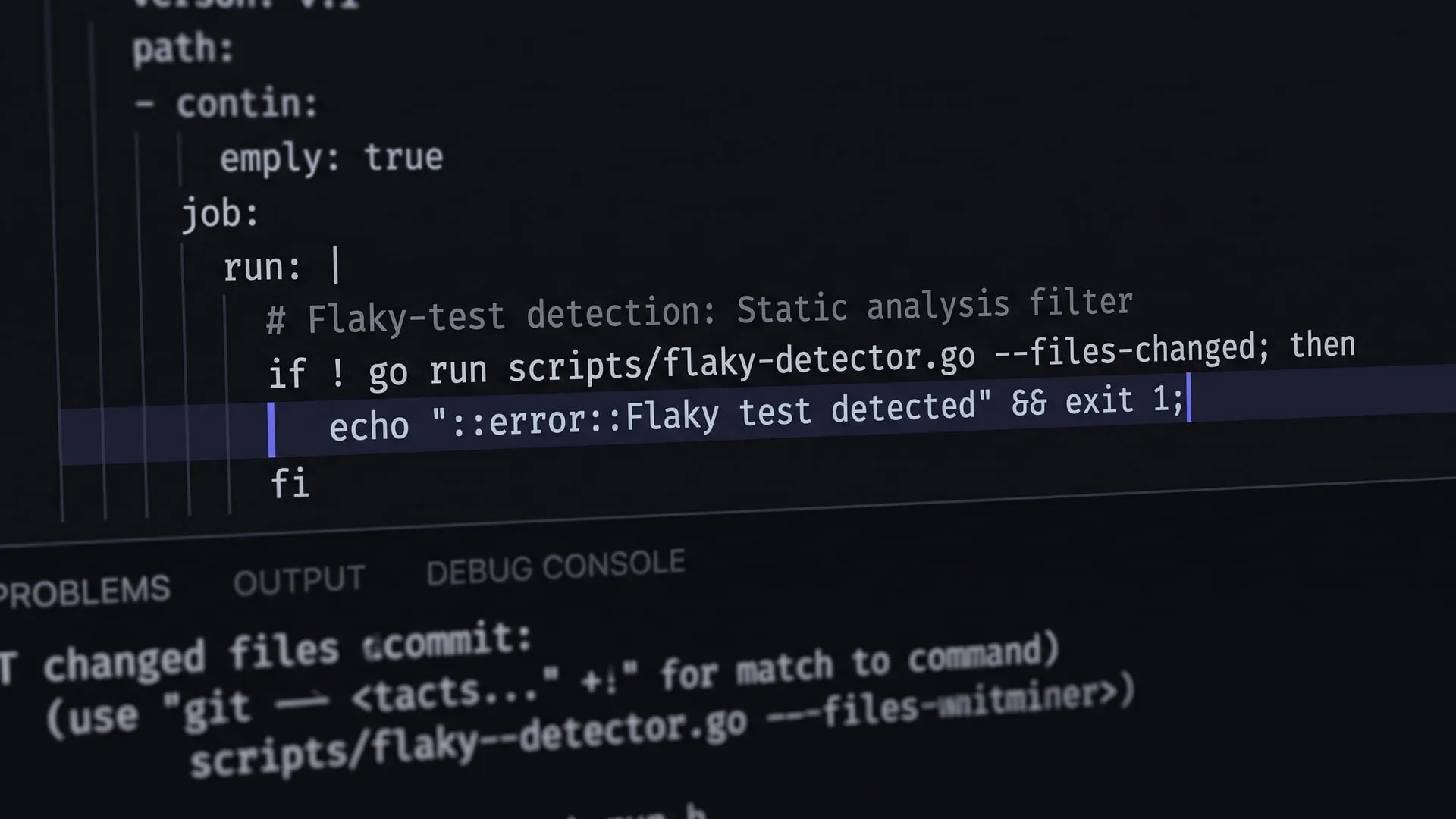
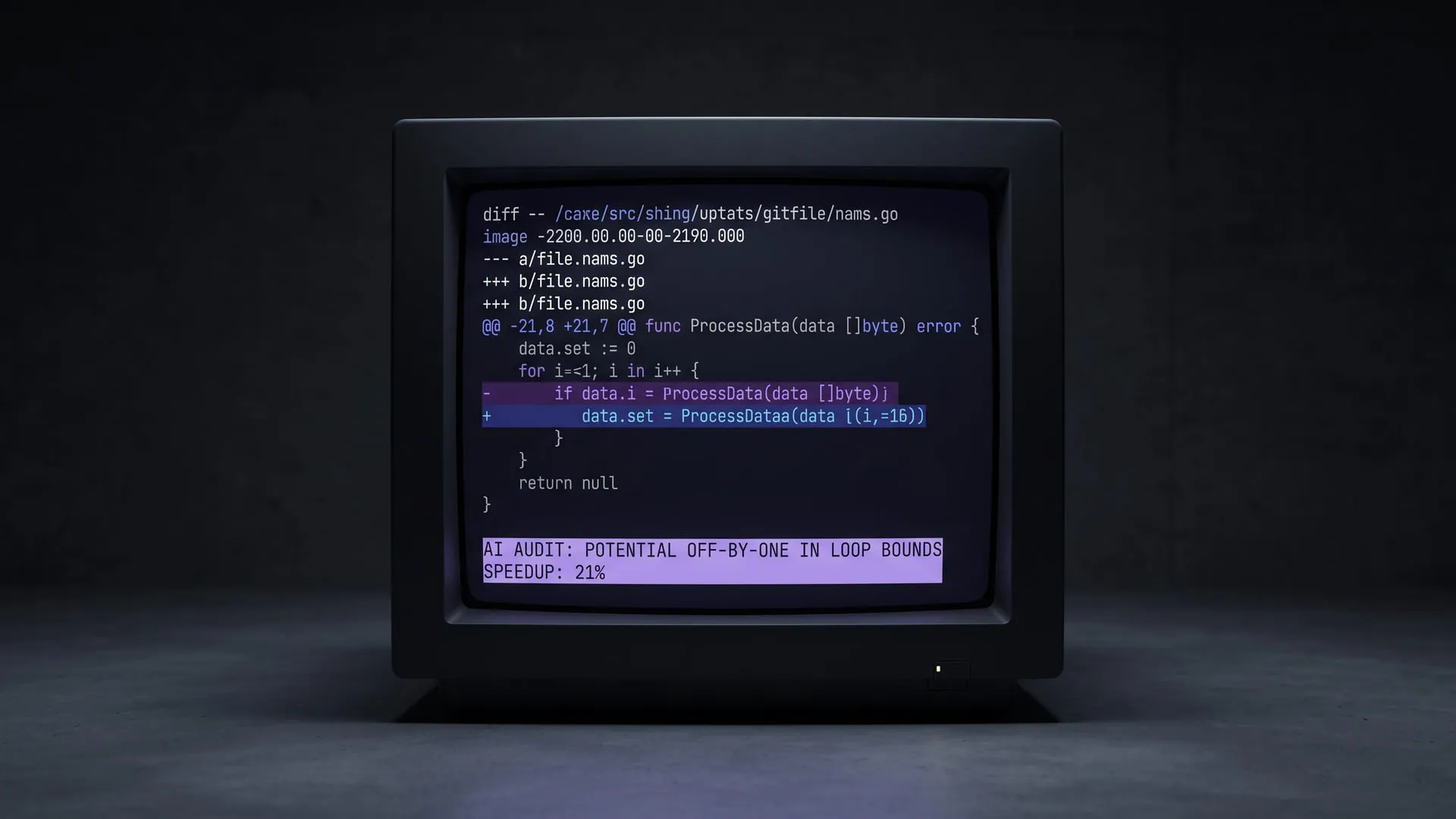
CommitBrief Gains summary and remote: Brief a Change, Review a PR from the Terminal
Two new commands: summary briefs a change and its history, and remote pr reviews a PR from the terminal, leaving comments before the human does.

In the first post I explained why I wrote CommitBrief; in the second I covered what it sped up and where it fell short after three months. Both had the same unit: my own diff, before anyone else saw it. The question was always “does this change introduce a problem?”
Two commands I’ve added in recent weeks widen that unit. One changes the direction of the question — not “does it introduce a problem” but “what changed, and why”: commitbrief summary. The other lifts the same review out of my terminal and into the team’s PR flow: commitbrief remote pr. This post walks through both, why I added them, and the principle that keeps them on the same line: this tool doesn’t replace the human reviewer; it goes ahead of them and clears the obvious stuff.
summary — Not the diff, the story of the change
A review critiques a change. A summary narrates it. They’re different jobs.
commitbrief summary summarizes a set of changes in plain language: what changed and — when the commit messages make it clear — why, grouped by logical area rather than file by file. It’s entirely read-only; it produces no severity, no JSON, nothing to gate CI on. It prints the provider’s plain text as-is.
The genuinely new part is this: when the scope is a range, summary also reads the commit messages in it (git log, read-only). So it now looks not just at the final state of a change but at its history. It attributes each line to the short commit hash(es) responsible for that area:
$ commitbrief summary main...develop
Invoice Service: Rounding bug in the fee calculation fixed. (a1b2c3d)
Auth: Token refresh flow added. (d4e5f6a)
DB: Index added to the invoices table. (f7a8b9c)
The tag in parentheses isn’t a branch name — it’s a commit hash — because a history squashed or rebased on merge doesn’t preserve the branch name, but it preserves the hash. Staged/unstaged changes have no commits yet, so they come out unattributed.
The scope mirrors the review surface exactly: no arguments means the staged diff, --unstaged for the working tree, or a free git diff range just like the diff subcommand:
commitbrief summary                    # staged
commitbrief summary HEAD~3 HEAD        # the last three commits
commitbrief summary main...develop     # a PR-style range
commitbrief summary HEAD~3 HEAD -o NOTES.md   # to a file, as release notes
--lang en gives the digest in English (--lang tr in Turkish); -o/--output writes it to a file. The pre-send guard, secret scan, and cost preflight all apply, exactly as in a review. Because it emits prose, it doesn’t silently swallow the findings-oriented flags (--json, --markdown, --suggest-commit, --fail-on) — it rejects them with a clear message. And it never writes to git.
It earns its place in two spots:
- Individual. When I come back to a branch I left a week ago, instead of re-reading the diff I run
commitbrief summary main...feature/xand get a five-line reminder. Putting distance between yourself and your own past is just another face of self-review blindness. - Team. Before I review a teammate’s branch, I map out what changed where before diving into the diff line by line. I don’t walk into the review blind; I walk in knowing where to look.
There’s a side benefit too: HEAD~3 HEAD -o NOTES.md drafts a release’s notes — grounded in the commit messages — in a few seconds.
remote pr — A second set of eyes, in the team’s PR flow
commitbrief remote pr <PR> reviews a GitHub pull request and writes the result back to GitHub: each finding becomes an inline review comment, and the review is submitted with a verdict. It makes no HTTPS calls of its own; it drives your local gh CLI — so gh’s auth, host resolution, and fork handling are reused as-is. Important distinction: this is a user-driven tool, not a bot hanging off a deployment.
commitbrief remote pr 42                  # PR #42 in the current repo
commitbrief remote pr CommitBrief/web#10  # another repo
commitbrief remote pr 42 --no-post        # locally, writing nothing to GitHub
The design decision I dwelled on most here: the default verdict is never request-changes. No findings means approve, any non-info findings means comment — but actually requesting changes and blocking the PR only happens when you deliberately enable it with --request-changes-on=<severity>. So out of the box, the tool lays down its inline comments and steps back.
That’s intentional. The tool goes into the PR first, drops the obvious things that are easy to miss by eye as comments under the relevant line — and then the human reviewer arrives. I want the human’s attention focused on the hard findings instead of the easy ones, not to have it decide in their place.
A few details:
- Comments land on the right side.
RIGHT(the new file) for added and context lines,LEFT(the old file) for removed lines. A finding about deleted code sits on the deleted line instead of being rejected. - A finding that falls outside the diff isn’t dropped. If its line isn’t in the diff, or GitHub rejects the POST, it’s appended to the review summary under a “findings that could not be attached to a specific line” heading.
--no-postis for local triage. It uses the PR’s diff purely as a review source and writes nothing to GitHub; it prints to your terminal like a local review. Here an API-key-free provider via--cli, an exit-code gate via--fail-on, even reviewing your own PR are all allowed.- Posted text is English. PRs are read by mixed-locale teams; only the local progress/error lines localize to TR/EN.
- Race-safe. If the PR head moves while the review runs, it retries once; if it moves again, it stops without submitting.
In posting mode only API providers work — CLI providers like claude-cli / gemini-cli are refused because they don’t produce structured findings (the restriction lifts under --no-post).
Not “replacing” — “going ahead of”
Both commands orbit a sentence I wrote a year ago: if producing got cheaper, auditing what you produce shouldn’t stay expensive. As I’ve said before, the value of these tools isn’t “let AI write it” — it’s lowering the cost of applying reasoning to what was written.
- summary lowers the cost of understanding. It cuts the first ten minutes of grasping a change — mine or someone else’s — down to five lines.
- remote pr lowers the cost of the first pass. It collects the obvious before it reaches the human reviewer, saving expensive human attention for genuinely expensive questions.
Neither does the one thing they avoid: putting judgment in your place. I kept the verdict soft by default and deliberately left summary judgment-free. Because this tool isn’t a reviewer; it’s a layer that clears the way for one.
Limitations — the honest list again
- summary narrates, it doesn’t judge. It won’t question intent or architecture; it can’t say “are you building the right thing.” On a history flattened by squash/rebase, commit attribution gets coarse — and attribution isn’t given at all outside a clean two-endpoint range.
- remote pr depends on an API in posting mode. The CLI providers that reuse your subscription only work under
--no-post. - Still the same core limit. CommitBrief isn’t a replacement for lint — it’s a layer on top of lint + tests, below human review. summary and remote widen that layer; they don’t remove its edge.
The takeaway from the first two posts hasn’t changed, only the surface has grown: where AI adds value is in calibrating judgment, not replacing it. summary moves that calibration from personal to historical, remote from solo to team — the decision still belongs to a human.
Try It
I’m still curious about your COMMITBRIEF.md — seeing how other projects define “good code” is the most instructive part of this. If you try summary on a branch or remote pr --no-post on a PR and write up what came out, I’d love to hear it.
Experiments on this topic
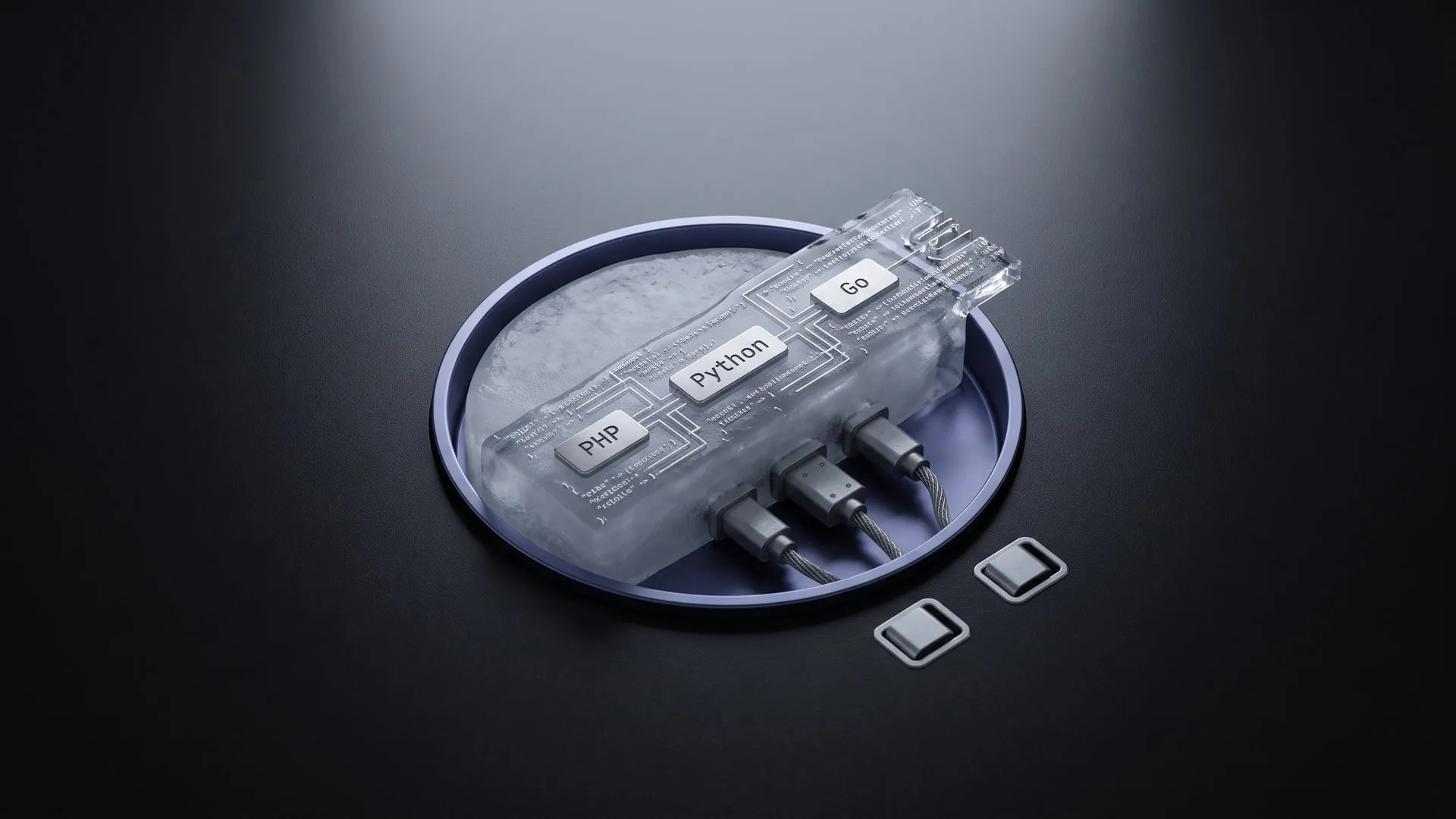
Two languages sharing one queue without the serialization lock-in
A frozen JSON envelope in place of language-specific serialization; it became BabelQueue, a polyglot queue standard.
What it does today
The frozen JSON envelope has four languages — PHP, Python, Go, Node.js — reading the same bytes, with no sidecar and no broker plugin. Teams running a polyglot queue can pick up the spec and the SDKs today.
Local code review without letting the diff leave the machine
A provider-agnostic Go CLI that has a model review my diff without the diff leaving the machine; it became CommitBrief.
What it does today
Reviews code locally, with the diff never leaving the machine; the `Provider` interface lets Anthropic, OpenAI, Gemini and Ollama plug into one contract. Signed binaries are published — anyone who does not want to hand their diff to a cloud provider can install it.
Comments
Sign in with your GitHub account to join the discussion. Comments are stored in GitHub Discussions.