Async Job Processing with Laravel Queue and Supervisor
How to set up asynchronous job queues in Laravel using the database driver, and keep workers running reliably in production with Supervisor.
![Cover — a curved monitor in a server room showing [program:laravel-worker], a systemctl status supervisor listing with three queue:work processes and ProcessOrder log lines](/_astro/laravel-queue-ve-supervisor-ile-asenkron-islemler.Pc6IamqK_ZJEmbN.avif)
A web request has one job: respond to the user fast. But some operations are inherently slow — sending an email, processing an image, waiting on a third-party API. If you handle those inside the request-response cycle, the user sits there waiting for your slow work to finish. Laravel Queue exists exactly for this: push the work onto a queue now, return the response immediately, and do the actual work in the background.
In this post I walk through how I set up a job queue in Laravel and how I use Supervisor to keep it running in production.
Choosing a queue driver
Laravel Queue supports multiple drivers — database, Redis, Amazon SQS, and more. The driver determines where queued jobs are stored. The QUEUE_CONNECTION key in your .env file controls this, and as the Laravel 10.x queue documentation states, sync is the default driver in new applications — meaning jobs are never queued at all; they run inline immediately. That’s convenient during development, but in production you’ll see zero benefit from Queue until you switch to a real driver.
In this post I’m using the database driver. It’s sufficient for small to medium workloads and requires no additional infrastructure. Jobs are stored in a jobs table; as the documentation describes, to create it:
php artisan queue:table
php artisan migrate
Defining a job
Every piece of work pushed onto the queue is a class. As an example, I’ll create a SendMailJob that sends an email in the background:
php artisan make:job SendMailJobI fill out the generated class, clarifying what parameters it accepts and what it does:
<?php
namespace App\Jobs;

use Illuminate\Bus\Queueable;
use Illuminate\Contracts\Queue\ShouldQueue;
use Illuminate\Foundation\Bus\Dispatchable;
use Illuminate\Queue\InteractsWithQueue;
use Illuminate\Queue\SerializesModels;

class SendMailJob implements ShouldQueue
{
    use Dispatchable, InteractsWithQueue, Queueable, SerializesModels;

    public function __construct(
        private string $name,
        private string $mail,
    ) {}

    public function handle(): void
    {
        $subject = 'Merhaba ' . $this->name;
        $msg = 'Sitemize üye olduğunuz için teşekkür ederiz!';
        if (!mail($this->mail, $subject, $msg)) {
            throw new \Exception('Mail gönderilemedi.');
        }
    }
}
Two points matter here. First: the data I receive in __construct is stored as class properties — Laravel serializes this data and holds it in the queue, then restores it when the job runs. For that reason, it’s good practice to pass simple values (IDs, short strings) to the constructor rather than large objects. Second: inside handle, I throw an exception when the job fails. This is not optional. The documentation puts it plainly: if an exception is thrown while the job is being processed, the job is automatically released back onto the queue and retried until it hits the maximum number of allowed attempts. There is one other way to put a job back — calling release() — but a job that silently returns does neither: the queue considers it finished, so it counts as successful even when it failed.
Dispatching a job is a single line:
\App\Jobs\SendMailJob::dispatch('Muhammet', '[email protected]');Processing jobs
Jobs pushed onto the queue don’t run by themselves; you need a worker to process them:
php artisan queue:workThis command continuously listens to the queue and processes jobs as they arrive. If you want to separate jobs by priority, you can use named queues with onQueue() and point the worker at those queues:
\App\Jobs\SendMailJob::dispatch($name, $mail)->onQueue('medium');php artisan queue:work --queue=high,medium,defaultThe order here determines priority: the documentation says so explicitly — every job on the high queue is processed before the worker moves on to medium.
Supervisor: keeping workers alive
queue:work is a long-running process — and long-running processes die. An exception, a memory limit, a deployment… the worker stops, and if nobody notices, the queue silently backs up. In production, that’s unacceptable.
Supervisor is a tool on Unix systems that monitors background processes and restarts them when they stop. That’s exactly what I want for Laravel workers.
sudo apt-get update
sudo apt-get install supervisor -y
I create a configuration file under /etc/supervisor/conf.d/:
[program:laravel-worker]
process_name=%(program_name)s_%(process_num)02d
command=php /proje/yolu/artisan queue:work --queue=default --tries=3
autostart=true
autorestart=true
user=deploy
numprocs=8
redirect_stderr=true
stdout_logfile=/proje/yolu/storage/logs/worker.log
stopwaitsecs=3600
A few lines are critical. autorestart=true brings the worker back when it dies. numprocs=8 runs eight parallel workers — tune that number to your load. stopwaitsecs=3600 gives a running job up to an hour to finish during a deployment, so it isn’t cut off mid-execution: per the Supervisor documentation this is the number of seconds to wait for a process to shut down after it has been sent a stop signal, and it defaults to 10 — which would kill an hour-long job in ten seconds. Laravel’s own example configuration uses 3600 for the same reason. To register and start the configuration:
sudo supervisorctl reread
sudo supervisorctl update
sudo supervisorctl start laravel-worker:*
One final note
When you push a code change and deploy, the running workers continue holding the old code in memory. The documentation warns about this under its own heading: because workers are long-lived processes, they will not notice changes to your code without being restarted. Add php artisan queue:restart to your deployment steps after every deploy — otherwise you’ll spend hours wondering why “I updated the code but it’s still behaving the old way.” I learned that one the hard way, more than once.
Laravel Queue and Supervisor together provide a simple but solid async processing layer: Laravel defines and dispatches jobs, and Supervisor ensures the processes that handle those jobs never stop running. Each is incomplete without the other; the value is in how they work together.
Sources
Questions on this topic
Should I put my API server behind a Cloudflare Tunnel and close port 443 to the internet?
The tunnel is sound but makes Cloudflare your only way in; stay on the current Caddy setup, lock the origin to Cloudflare's IP ranges and add origin pulls.
Race condition on balance updates: Pessimistic Lock or Redlock?
Keep the invariant in the DB with an atomic `UPDATE ... WHERE balance >= 40` or a `SELECT ... FOR UPDATE`, and save Redlock for non-DB resources.
How do I handle poison-pill messages and a Dead Letter Queue in the queue?
Put `tries` and a `backoff` on the job so it lands in `failed_jobs` at the cap, alert from a `JobFailed` listener and replay it with `queue:retry`.
How do I design eventual consistency with the Saga Pattern in a distributed system?
Split the transaction into local steps with compensating actions, driven by one orchestrator over a queue, each idempotent and published through an outbox.
The payment webhook keeps re-sending the same notification; how do I set up idempotency?
Verify the HMAC constant-time over the raw body, return 200 fast and enqueue the work, and let a UNIQUE constraint on event_id enforce once-only.
Should I put a Kafka/Redis buffer between Fluent Bit and OpenSearch when shipping logs?
Turn on Fluent Bit's filesystem buffer first; move to Kafka once 40k/s is permanent, and keep a Redis list only for logs you can afford to lose.
Experiments on this topic
PHP packages that stand alone and still work together
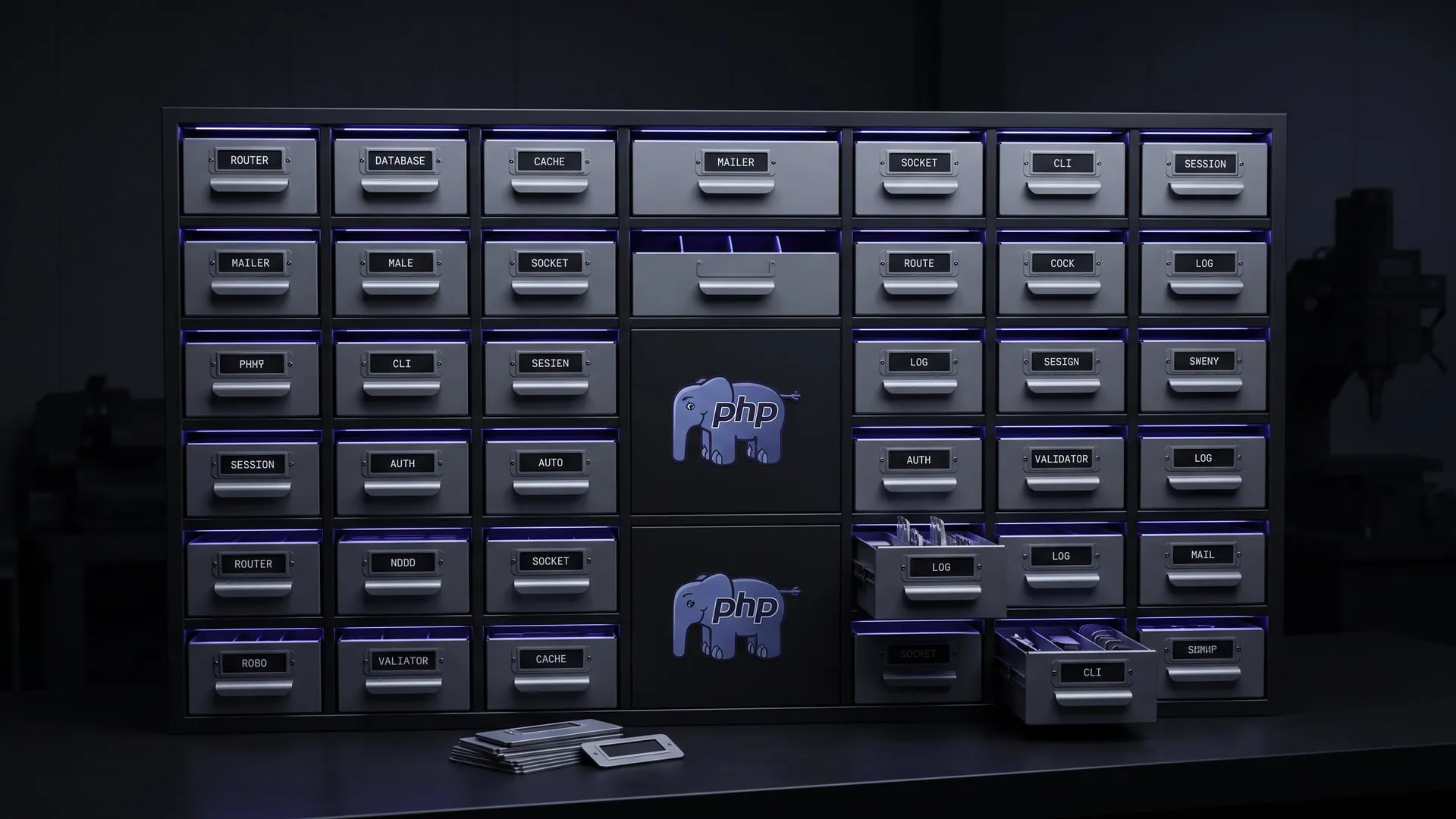
Modular PHP libraries that work without being tied to a framework; they became the 39-package InitPHP ecosystem and Framework3.
What it does today
A family of 39 PHP packages — Router, Database, Cache, Mailer, Socket and the rest — each usable standalone or together, all shipped through Composer/Packagist under MIT. Any PHP developer who wants the pieces without buying into a framework can install them today.
Comments
Sign in with your GitHub account to join the discussion. Comments are stored in GitHub Discussions.